Roof safety · Installations
From the roof drawing to the quote in the ERP, without retyping codes
A company that designs and installs fall-protection systems for roofs: lifelines, anchors, posts and fixings. Every offer started from a drawing and ended in a hunt for codes. Now the drawing becomes the quote.

Drawing · warehouse roof
Lines read from the drawing
LV10-H20-BP-IXPL-H20-BP-IX3 candidatesFX-LG-M10Every quote, a hunt for codes
Sound familiar?

The request arrives by email, with a PDF and the roof drawing.
To prepare the offer you need 14 pieces of technical information, scattered across several emails.
The drawing says one thing, the ERP says another.
You put the quote together by hand, line by line, from almost 5,000 items.
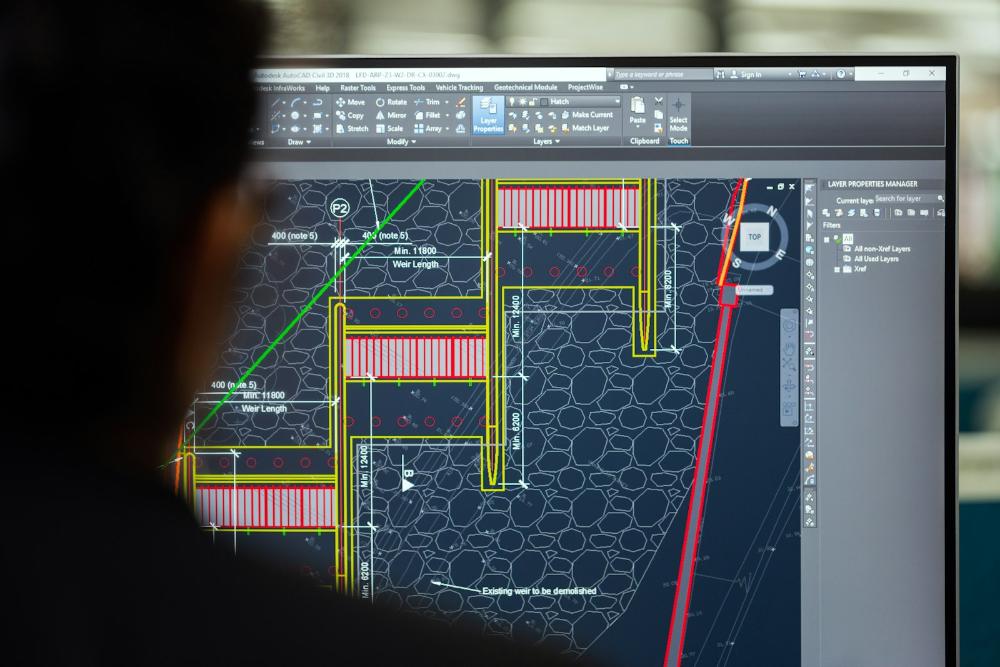
An offer needs 14 pieces of information: whether the building is new or existing, how the roof is accessed, what the load-bearing structure is made of, whether there are solar panels, and more. They arrive by email, with attachments, often across several messages.
Then there is the drawing. The technicians draw the roof in AutoCAD and describe each element in their own words. The ERP calls it something else:
It is the same item. But reading them, you would never guess. And the catalogue holds 4,938 items, many differing from one another by a single measurement or by material. The quote was put together by hand, looking up one code at a time.

The starting numbers
pieces of technical information for every offer, scattered across several emails.
items in the catalogue to find the right one among.
companies in the ERP's customer records, to be kept in sync with the CRM.
Do your quotes start from an AutoCAD drawing too?
Tell us about it →From the email to the quote in the ERP, in five steps
We worked with the technical department on its own rules: which accessories go with each lifeline, which fixings for each type of structure, in what order to fill in the lines. Then we built them into FILO.
The email becomes a tidy request.
FILO summarises it and gathers the technical data needed for the offer. Everyone sees what their role needs: the sales rep doesn't have to scroll through floor plans.
The quote is created from the email.
One click on “Create quote”: the company is linked automatically, or created if it is new. Data from several emails adds up on the same quote.
You upload the technical drawing.
FILO reads the technical drawing made in AutoCAD, counts the elements and finds the ERP code for each line.
The quote completes itself.
FILO adds the mandatory accessories, calculates the fixings according to the structure (timber, concrete, metal sheet) and inserts the fixed items, such as the technical report and installation.
The quote is in the ERP.
With one click FILO creates it directly in the ERP and downloads the PDF. No codes to retype.
LV10-H20-BP-IX10 M H20 FLAT BASE STAINLESSASS-TND-IXSHOCK ABSORBER + TENSIONER STAINLESSAN-LM-IXMETAL SHEET ANCHOR STAINLESSFX-LG-M10TIMBER FIXING M10SRV-ELABTECHNICAL REPORTSRV-POSAINSTALLATIONLine 3 on the drawing
Measurement read: 30 cm plate · material not specified
The drawing isn't enough to decide: you choose
AN-LM30-IXMETAL SHEET ANCHOR 30 STAINLESSAN-LM30-ZNMETAL SHEET ANCHOR 30 GALVANISEDAN-LM30-ALMETAL SHEET ANCHOR 30 ALUMINIUM

Around the quote
Calls on the record: calls from the switchboard are transcribed automatically and appear on the contact record, with a summary and the to-dos.
Trade fair contacts · 52 registered at the stand
Trade fair contacts: visitors to the stand register from their smartphone. Then the contacts go into the CRM in bulk, with no duplicates.

The office checks. It doesn't retype
A request comes in from a building contractor: an email with the PDF, then a second one with the roof drawing. FILO gathers the technical data from both and puts it on the same quote.
The technician uploads the AutoCAD drawing. For every lifeline, every post, every anchor, FILO finds the right code among almost 5,000. It adds accessories and fixings based on the structure.
The office is left with the part that matters: checking, choosing where needed, sending. The quote is already in the ERP, with its PDF.
Nobody guesses the codes
The AI finds the codes: it reads how they are built, with measurement, height and material. If the drawing isn't enough to decide, FILO doesn't choose for you: it shows you the alternatives. And if even a single line is left without a code, the quote doesn't go out.
From 4,938 items to around ten candidates
items
around ten candidates per line
Before, for every line of the drawing you had to search for the right code among 4,938 items. In tests on the real catalogue, the measurements read from the drawing narrow the choice down to around ten candidates per line.

Why it works
- It speaks the ERP's language. The drawing says one thing, the ERP another: FILO matches them, line by line.
- It follows the technical department's rules. Accessories, fixings, order of the lines: these are their rules, not generic ones.
- It doesn't guess. If a piece of information is missing, it shows the alternatives. The choice stays with whoever knows the site.
- The quote ends up where it belongs. In the ERP, with the PDF ready. No double entry.
Do your quotes start from an AutoCAD drawing too?
Installers, plant engineers, companies that sell to project: if every offer means retyping codes from the drawing into the ERP, tell us how you work. We'll look at the connection with your ERP together. We'll tell you what we would build and what it costs.

More case studies
Ten years of visits in a notes field. Now the sales agents tell them by voice
From the visit account to the suggestions, 10-20 seconds
Read the case study →
They knew how to price it. The problem was getting the trip details
The first reply came after 22 hours
Read the case study →